Simplifying Odoo File Management with Google Drive IR Attachment Storage
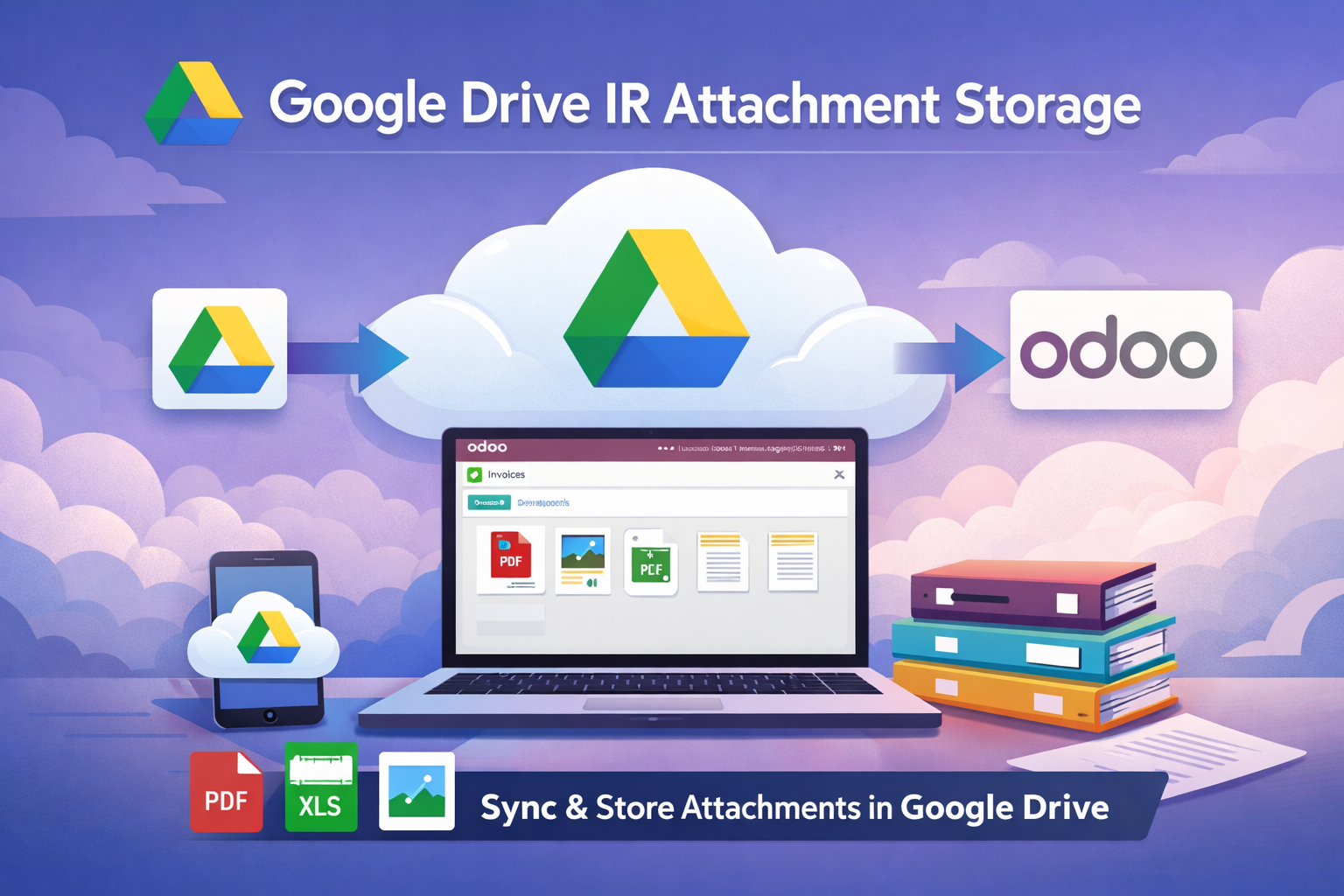
Date: 30 December, 2025 Topic: Simplifying Odoo File Management with Google Drive IR Attachment Storage.
Managing files in Odoo can often be a headache for businesses of any size. From invoices and purchase orders to product images and project documents, attachments pile up quickly. Storing everything locally on your Odoo server may work at first, but as data grows, storage costs start increasing rapidly. Odoo file storage is expensive per GB, meaning businesses end up paying a premium just to keep documents online. Over time, this makes file management harder, backups more complex, and even simple file access can turn into a frustrating experience.
To address these challenges, our Google Drive IR Attachment Storage module was developed. It seamlessly integrates Odoo with Google Drive, providing businesses with cloud-based file management while keeping everything accessible directly within Odoo. This module is compatible with Odoo 17, 18, and 19, and works across Community, Enterprise, and Odoo.sh editions.
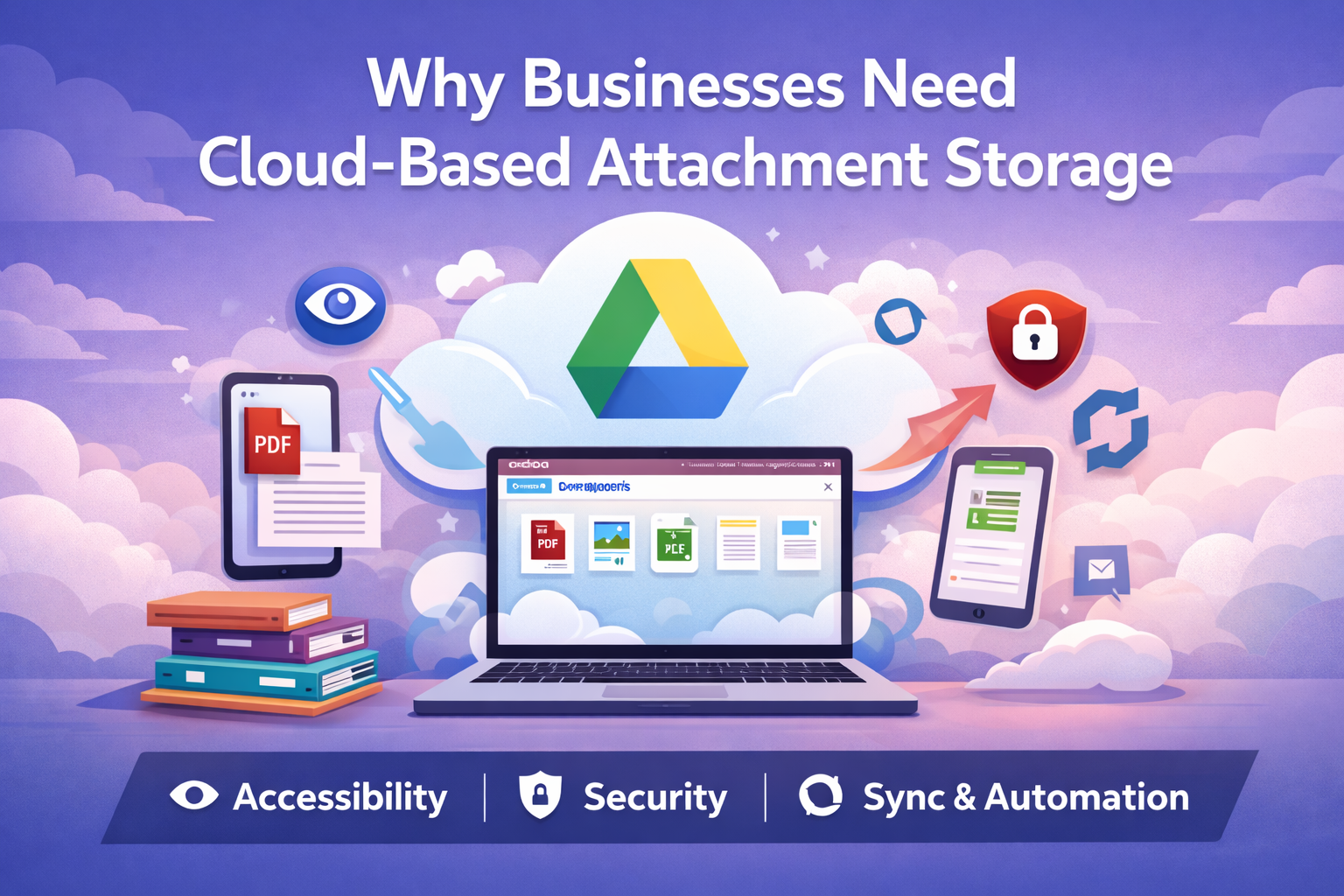
Why Businesses Need Cloud Based Attachment Storage
Traditional file storage in Odoo has limitations. Local servers can quickly run out of space, especially for companies that deal with large volumes of attachments. Sharing files often requires downloading them and sending via email, which is inefficient and increases the risk of errors. Moreover, maintaining backups for all attachments can be time-consuming and prone to mistakes.
By storing attachments in Google Drive, businesses gain several advantages:
- Unlimited accessibility: Files can be accessed from anywhere, on any device.
- Better collaboration: Teams can work together without the need to exchange attachments manually.
- Secure storage: Google Drive provides reliable cloud security, while OAuth 2.0 ensures credentials remain safe.
- Organized workflow: Files can be stored in dedicated folders or the root directory, with automatic duplicate prevention.
How Google Drive IR Attachment Storage Works
Unlike other storage solutions, this module integrates naturally with Odoo’s existing workflow. Businesses do not need to change how they work or train their staff on new processes. The module handles everything behind the scenes:
- Automatic Cloud Storage: Any attachment uploaded in Odoo is stored in Google Drive automatically.
- Full Access in Odoo: Files can be previewed, downloaded, or shared without leaving the Odoo interface.
- Secure Authentication: OAuth 2.0 with refresh tokens keeps access secure without repeated logins.

- Folder Organization: Attachments can be stored in specific Google Drive folders or in the root directory, keeping files organized.
- Fallback Support: If Google Drive is temporarily unavailable, attachments are stored locally to ensure continuity.
- Seamless Integration: All existing Odoo workflows continue as usual; files behave the same as before, only they are stored in the cloud.
Step-by-Step Setup
Setting up the module is straightforward and does not require technical expertise:
- Install the module in Odoo.
- Create a project in Google Cloud Console.
- Enable the Google Drive API for the project.
- Add the authorized redirect URI required for OAuth authentication.
- Enable Google Drive as external storage in Odoo settings.
- Add the Client ID and Client Secret from Google Cloud.
- Publish the OAuth consent screen so users can authorize Google Drive access.
- Click “Authorize Google Drive” in Odoo.
- Verify that a dedicated Odoo attachments folder is created automatically in Google Drive.
Once completed, all attachments are automatically routed to Google Drive, freeing up server space and improving accessibility.
Benefits for Your Organization
Implementing this module provides tangible benefits:
- Efficient storage management: Servers are no longer overloaded with attachments.
- Remote accessibility: Teams can access attachments anytime, anywhere, without extra steps.
- Improved collaboration: Sharing attachments among teams or clients becomes effortless.
- Security and reliability: Google Drive ensures files are safely stored, while fallback mechanisms protect against downtime.
- Uninterrupted workflow: The Odoo interface remains unchanged; only the storage location is enhanced.
Frequently Asked Questions (FAQs)
Q1: Does this module work with Odoo Community Edition?
Yes, it works seamlessly with Community, Enterprise, and Odoo.sh editions.
Q2: Can I organize files into folders in Google Drive?
Absolutely. You can configure the module to store attachments in specific folders or leave them in the root directory.
Q3: What happens if Google Drive is temporarily unavailable?
The module automatically stores attachments in the local filestore as a fallback, ensuring operations continue without interruption.
Q4: Is the connection with Google Drive secure?
Yes, the module uses OAuth 2.0 authentication with refresh tokens to manage access securely.
Q5: Do I need technical skills to set it up?
No, the setup is straightforward and guided through the Odoo interface. Basic familiarity with Google Cloud Console is helpful but not required.
Conclusion
Managing attachments in Odoo no longer needs to be a source of frustration. With Google Drive IR Attachment Storage, businesses can enjoy cloud-based storage, improved collaboration, and effortless file management all while keeping existing Odoo workflows intact.
By simplifying storage, securing files, and providing remote access, this module helps businesses focus on what really matters: running operations efficiently and productively.
Ebitda Solutions | info@ebitdasolutions.com