Simplifying FBR Digital Invoicing
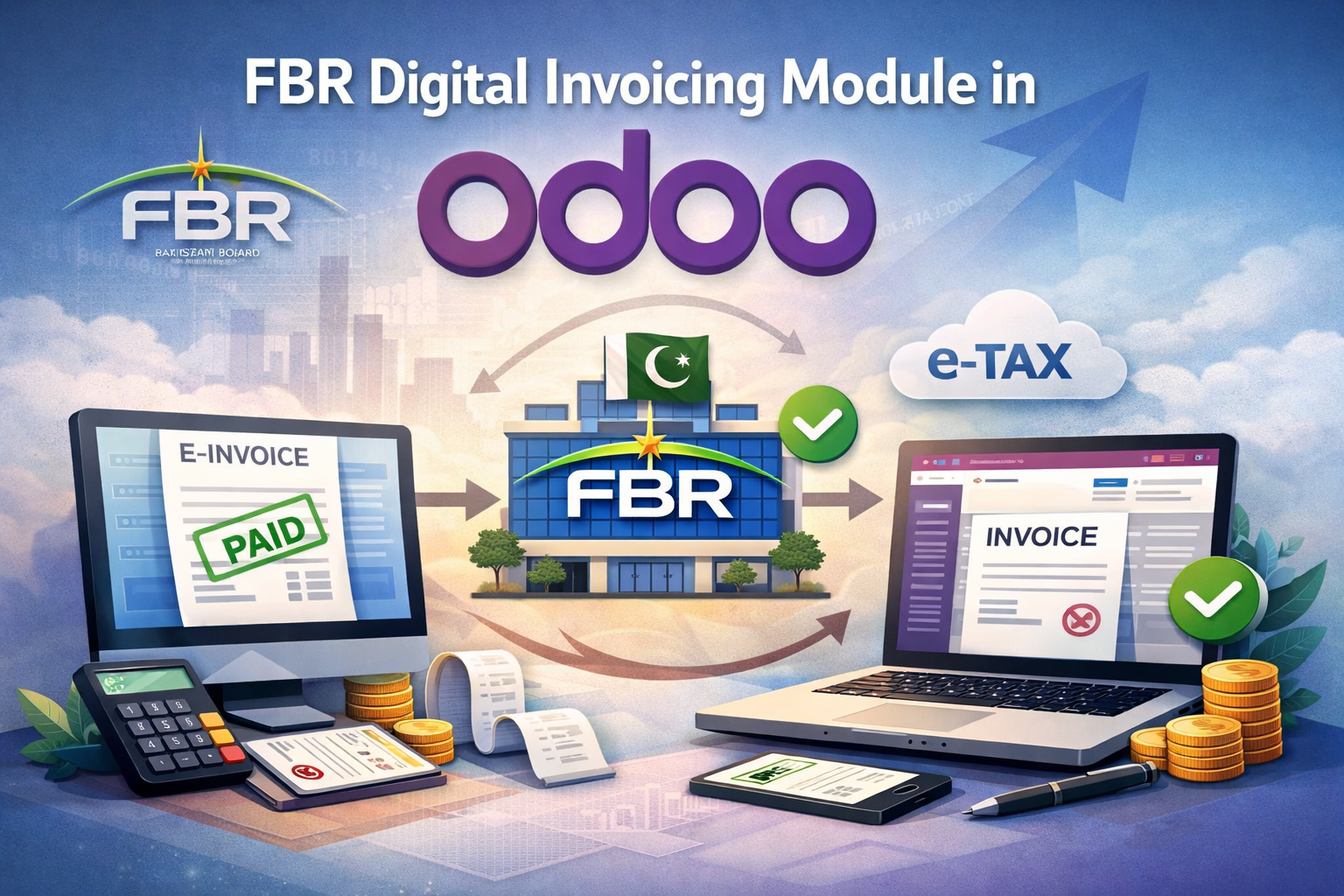
Date: 31 December, 2025 Topic: Simplifying FBR Digital Invoicing.
Over the last few years, FBR’s move toward digital invoicing has changed how businesses in Pakistan handle their sales and tax processes. What used to be a simple invoice is now something that must meet specific formats, include the right classifications, apply correct taxes, and be reported to FBR in real time.
For businesses running on Odoo, this often becomes a problem very quickly. Manual handling leads to small mistakes a missing buyer type, a wrong document category, or an incorrect tax setup and suddenly invoices start getting rejected. Fixing these issues later takes time and creates unnecessary back-and-forth with accounts teams.
To avoid this, we built the FBR Digital Invoicing Connector for Odoo. The idea was simple: help businesses meet FBR requirements without forcing them to change how they already work in Odoo.
Why Businesses Need FBR Digital Invoicing Integration
Many companies try to manage FBR digital invoicing outside of Odoo. They export invoices, upload files manually, or use separate tools just to stay compliant. While this might work for a short time, it usually creates more problems than it solves.
Common issues businesses face include:
• Incorrect or inconsistent sales tax calculations
• Missing buyer or document classification data
• Delays in submitting invoices to FBR
• Difficulty preparing accurate sales tax returns
• Compliance risks during audits
How the FBR Digital Invoicing Connector Works
The FBR Digital Invoicing Connector integrates naturally with Odoo’s existing invoicing and accounting workflow. Users continue creating invoices as usual, while the module handles FBR requirements in the background.
Here’s how it works in practice:
- Invoice Creation in Odoo
Sales invoices are created using standard Odoo screens, with no change to the user’s routine. - Automatic Data Validation
The system checks invoice data against FBR rules, including document type, buyer classification, province, and tax structure. - Accurate Tax Calculation
Sales tax is calculated automatically based on FBR regulations, including province-wise tax handling where required. - Real-Time Submission to FBR
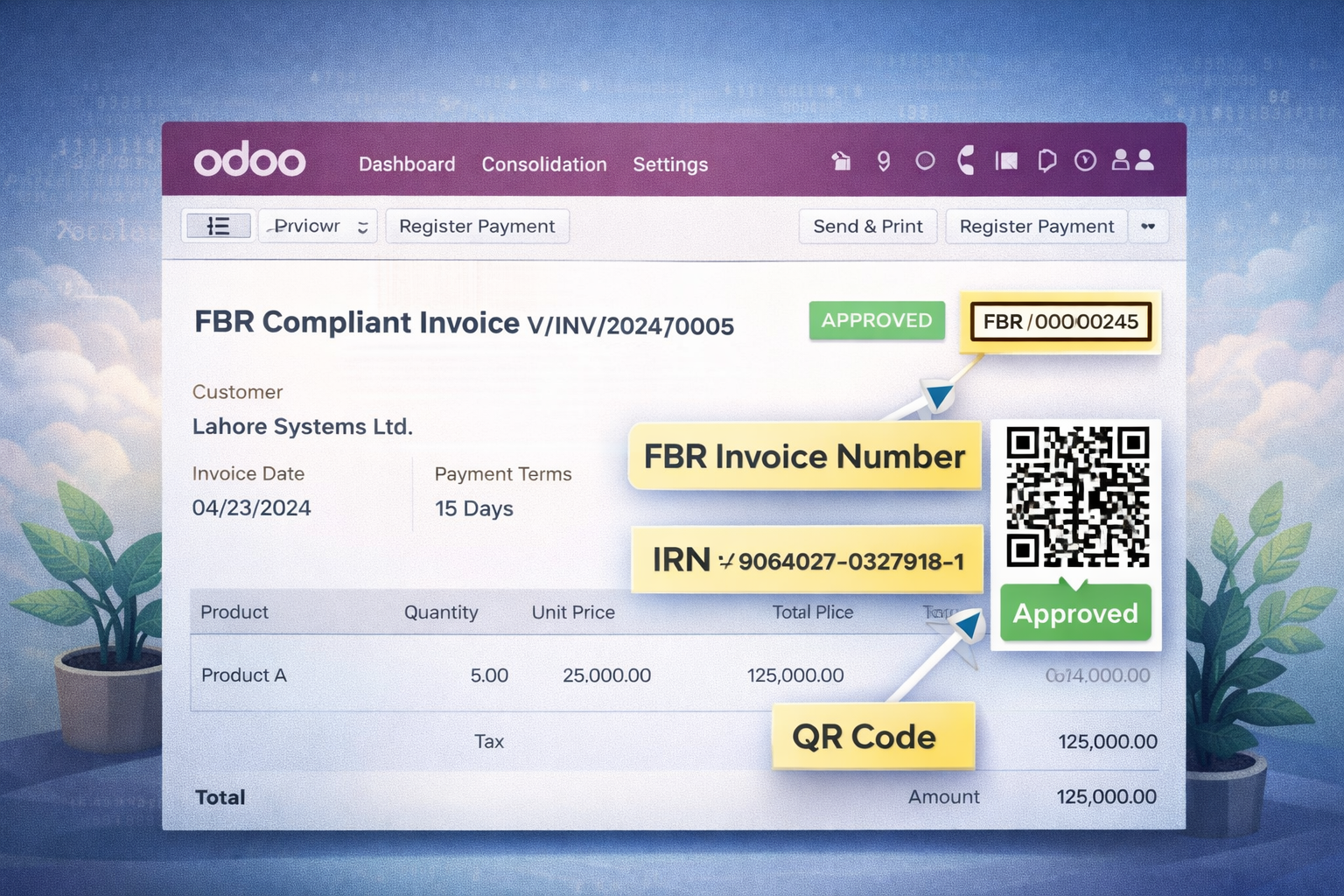
Once validated, invoice data is submitted directly to the FBR system and the response is recorded inside Odoo. - QR Code Generation
A compliant FBR QR code is generated automatically for each digital invoice. - Complete Audit Trail
All submissions, responses, and validations remain available in Odoo for reporting and audit purposes.
Step-by-Step Setup Configuration
Setting up the FBR Digital Invoicing Connector is straightforward and does not require deep technical expertise.
- Install the FBR Digital Invoicing module in Odoo
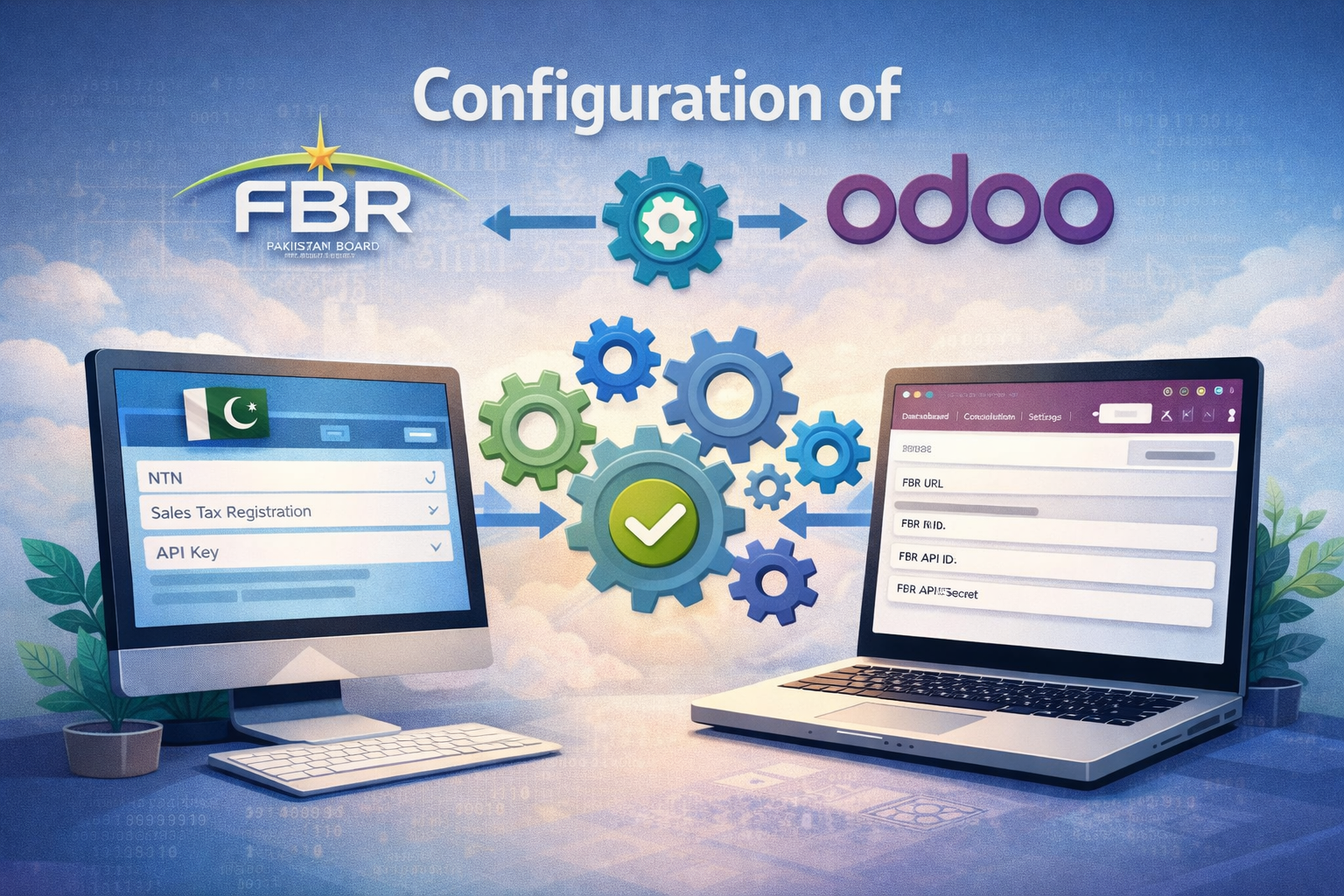
- Open the FBR Configuration Dashboard
- Enter seller details (seller data can be uploaded using an XLSX file)
- Configure document types, buyer types, and sales scenarios
- Set up tax rules and province-wise tax mappings
- Configure master data such as products and units of measure
- Create a test invoice and validate it
- Submit the invoice to FBR directly from Odoo
- Review submission status and QR code generation
Once configured, the system runs smoothly with minimal user intervention.
Key Features That Make a Difference
This connector was built based on real implementation experience, not just documentation.
- Invoice data is submitted to FBR automatically with proper validation
- Reference data such as UOMs, provinces, buyer types, document types, and sales scenarios is managed centrally
- Sales tax is calculated according to current FBR rules
- Data is structured in a way that makes sales tax return preparation much easier
- SROs and item serial numbers are fully supported
- FBR-compliant QR codes are generated automatically
- Documents are classified correctly as per FBR requirements
- Configuration is handled through Odoo settings without complicated technical steps
Benefits for Your Organization
Implementing the FBR Digital Invoicing Connector delivers clear operational benefits:
• Time savings: No manual invoice uploads or duplicate data entry
• Reduced errors: Built-in validation minimizes rejected invoices
• Regulatory compliance: Invoices consistently follow FBR rules
• Simplified tax filing: Sales tax data is structured and ready for returns
• Operational continuity: Teams continue using Odoo as they always have
Frequently Asked Questions (FAQs)
Q1: Does this module work with Odoo Community Edition?
Yes, it works with Odoo Community, Enterprise, and Odoo.sh.
Q2: Which Odoo versions are supported?
The connector supports multiple Odoo versions, including Odoo 17 and Odoo 18.
Q3: Can seller data be uploaded in bulk?
Yes, seller details can be uploaded using an XLSX file, making initial setup faster.
Q4: Does the module generate FBR compliant QR codes?
Yes, QR codes are generated automatically for each digital invoice.
Q5: Will this change how my team creates invoices in Odoo?
No, users continue working in the same Odoo interface. All compliance checks run in the background.
Ebitda Solutions | info@ebitdasolutions.com
Get The Module Click To Watch Tutorial